



Vectors EDU
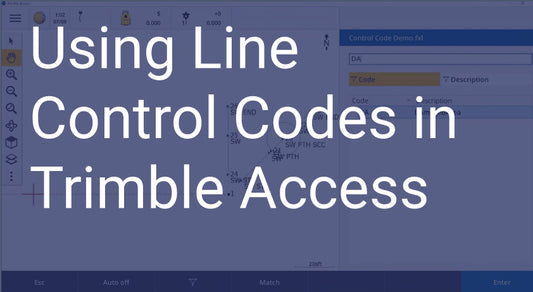
Using Line Control Codes in Trimble Access
Vectors Inc. walks you through using Line Control Codes which allows you to control Feature Codes.
Using Line Control Codes in Trimble Access
Vectors Inc. walks you through using Line Control Codes which allows you to control Feature Codes.

Creating a Here Key and Working With Static Data Files
Vectors EDU walks you through creating a Here key position, confirming the receiver is logging a static session, reviewing file naming convention to identify the correct file, and importing the...
Creating a Here Key and Working With Static Dat...
Vectors EDU walks you through creating a Here key position, confirming the receiver is logging a static session, reviewing file naming convention to identify the correct file, and importing the...

Trimble Access 2020 and Trimble Business Center 5.30 Highlights
Vectors EDU looks at the new transformation for Trimble RTX services.
Trimble Access 2020 and Trimble Business Center...
Vectors EDU looks at the new transformation for Trimble RTX services.

Creating a VRS Survey Style
Vectors EDU walks you through how to set up a Survey Style for VRS usage.
Creating a VRS Survey Style
Vectors EDU walks you through how to set up a Survey Style for VRS usage.

From a Line to a Road
Vectors EDU walks you through converting a line string in Trimble Business Center to a road alignment.
From a Line to a Road
Vectors EDU walks you through converting a line string in Trimble Business Center to a road alignment.

Establishing a Bluetooth Connection
Vectors EDU walks you through establishing a Bluetooth connection on your Windows 10 device through Trimble Access.
Establishing a Bluetooth Connection
Vectors EDU walks you through establishing a Bluetooth connection on your Windows 10 device through Trimble Access.